 Icons byFox
The developer’s field guide
App icon guides for developers
From a source image to the right files in your project. Practical guides with examples you can download and use.
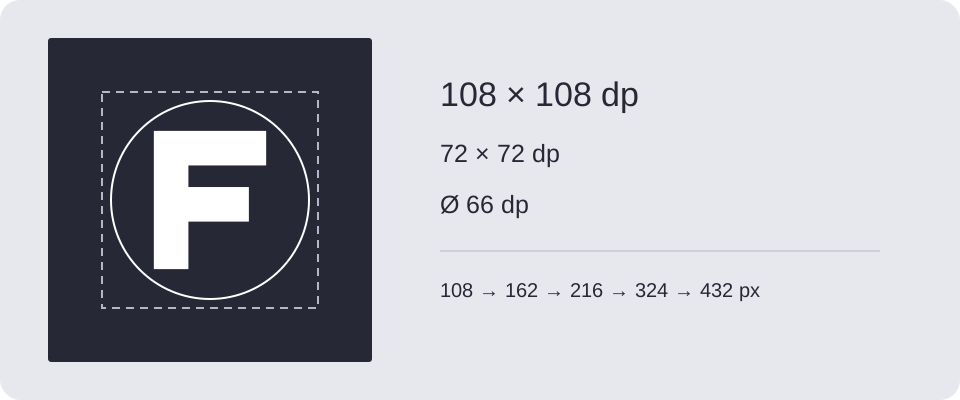
Android adaptive icons: layers, safe zone and installation
Prepare foreground and background layers, inspect launcher masks and install the Android res export in your project.
Read guide →
Android themed icons: prepare a monochrome layer
Create a clear monochrome launcher icon, export Android resources and check themed icons on a supported launcher.
Read guide →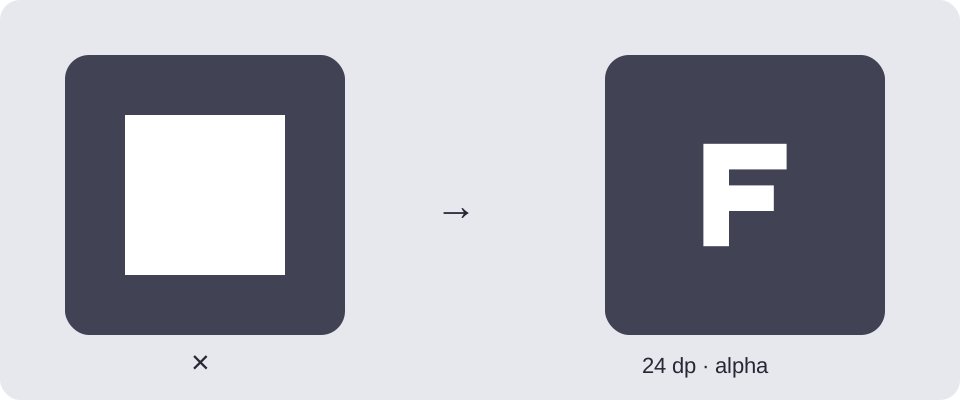
Android notification icons: fix the white square
Make a transparent small icon, export the correct drawable densities and connect it to setSmallIcon().
Read guide →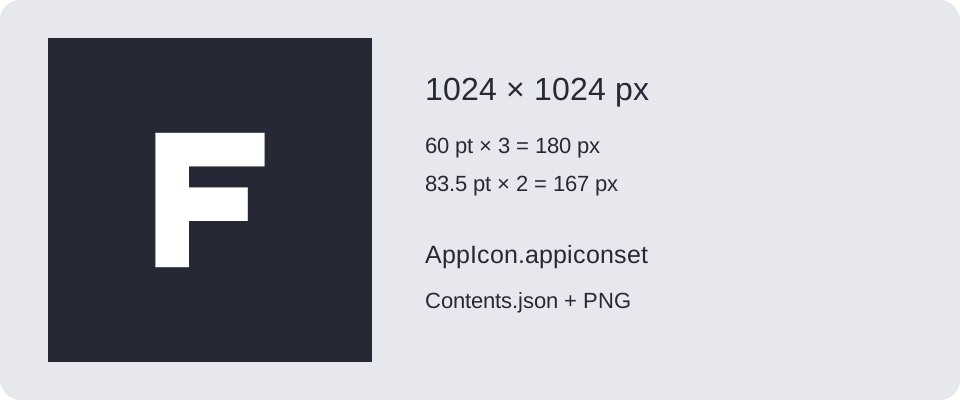
iOS app icon sizes: from PNG to AppIcon.appiconset
Understand the sizes in the iOS export, import Contents.json into Xcode and choose between asset catalogs and Icon Composer.
Read guide →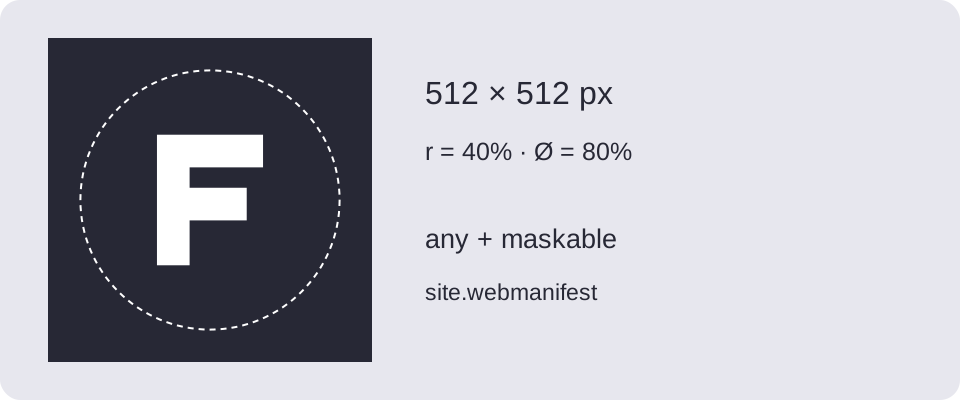
Favicon sizes: ICO, Apple touch icon and PWA manifest
Install favicons and PWA icons, configure site.webmanifest and check the maskable safe area before publishing.
Read guide →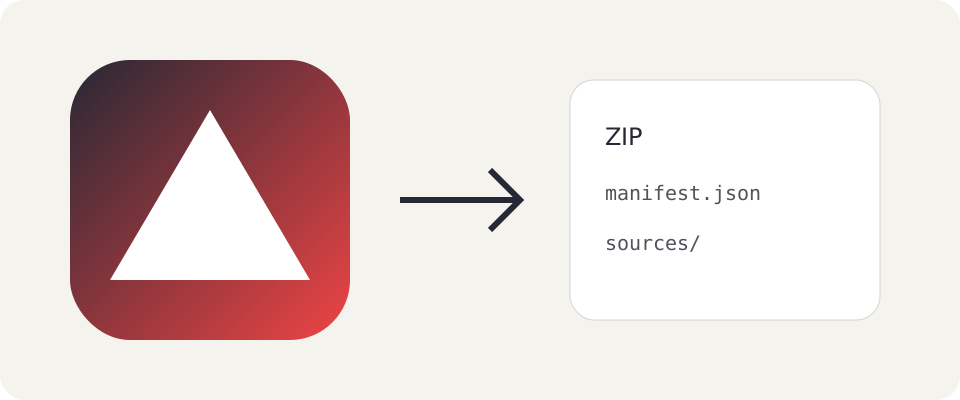
How to save an icon project and edit it later
Save settings, variants and uploaded artwork in a ZIP, then restore the project in the generator.
Read guide →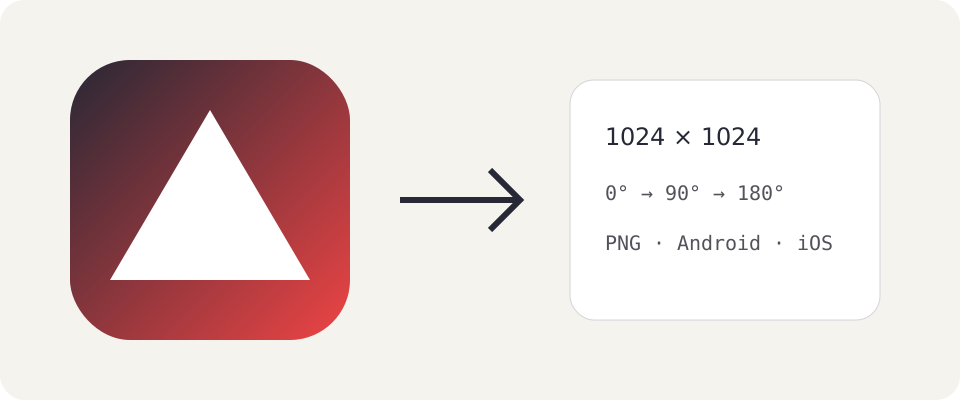
Gradient backgrounds and the icon only preview
Choose colors and a gradient direction, compare platform variants and inspect the icon without surrounding system UI.
Read guide →